
Free QR code generator: create QR codes for menus, PDFs and links
Create and download your QR code in seconds — just paste a URL. No registration, no fees.
Your digital menu is ready! Now there’s just one final step: generating a QR code from your menu’s public URL. It’s quick and easy — create your QR, download it, and place it wherever you want so customers can access your menu instantly.
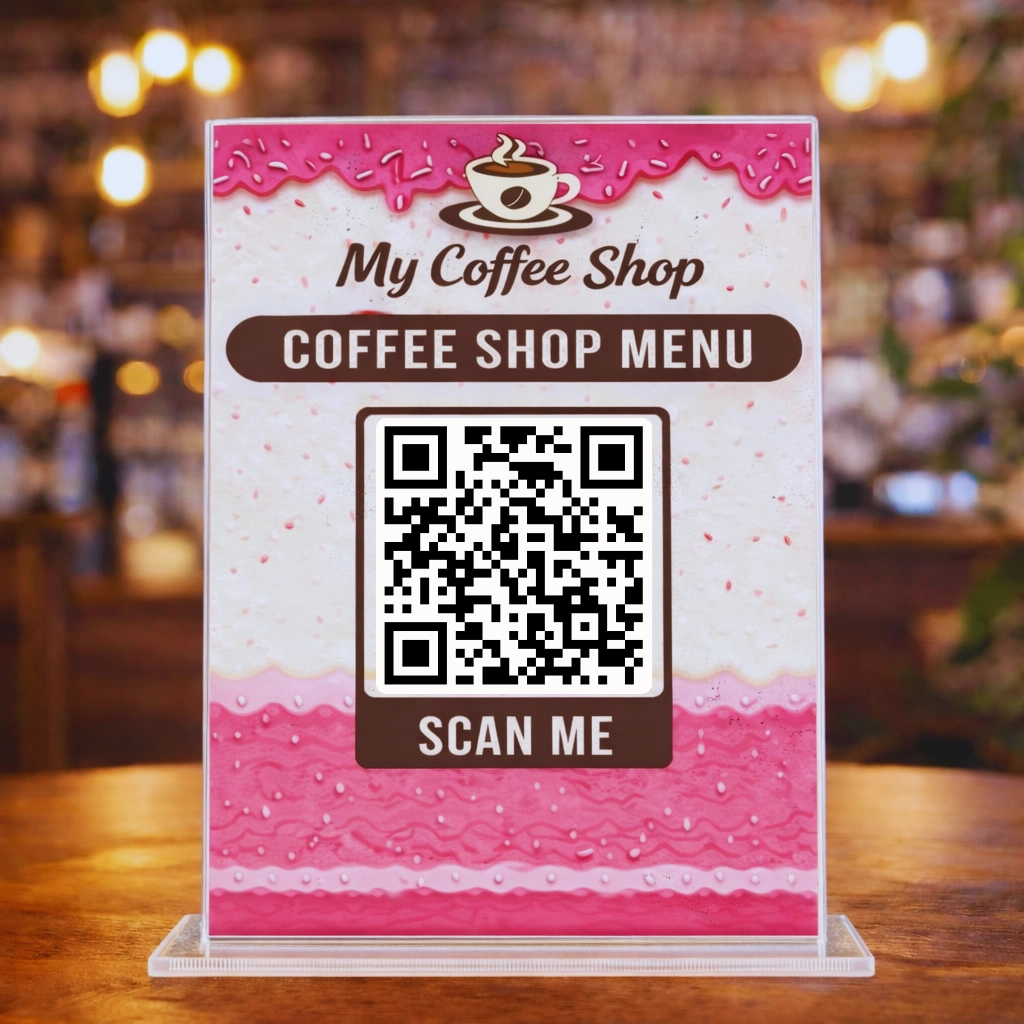
This is the QR code your customers will use
Point your phone’s camera at the QR code in this image and see how it takes you to the menu we just created in the video tutorial. Open the menu and view it in multiple languages. It works exactly the same as the QR code you’re about to generate. Now it’s time to create your own QR code!
Follow this video tutorial to generate a free QR code for your business menu. Choose the size, error correction level, margin, format, and quality.
Video tutorial: how to create your QR (1 minute)
Watch this video to share your café or restaurant menu with your customers. Make sure you have the correct link or URL ready.
How to create your free QR code
With this tool, you can generate a free QR code for your digital menu or any link. Just paste the public URL and download it in seconds, ready to print or share.
Quick steps
- Paste the public URL of your menu or link.
- Generate the QR code automatically.
- Download the QR and use it anywhere.
If you came from the previous step, use the public URL you just created in Blogger.
Paste the URL, adjust the options, and click Generate QR
Supports valid URLs only (http:// or https://). If you don’t have a URL yet, go back to Step 3.
Create a free QR code for a menu, link, or website
Use this free QR code generator to share your restaurant menu, booking page, Google Maps location, Instagram, or any public URL. Customers scan and open it instantly on their phone—no app required.
Tip: this QR code opens the exact link you paste. If you update your menu later, keep the same public URL so the QR keeps working everywhere you printed it.
For printing, choose a larger size, keep a margin (quiet zone), and download as PDF or SVG for the sharpest result.
Download your print-ready QR code
Download your free QR code in PNG, JPG, SVG or PDF, ready to print.
FAQ: free QR code generator for menus and links
What is the fastest way to create a QR code for free?
The fastest way is to paste your link, generate the QR code in one click, and download it in PNG, SVG, or PDF format ready to use.
Can I create a QR code for my restaurant menu?
Yes. You can create a QR code for your menu by pasting your menu link and downloading the QR code to print or share with your customers.
Can I convert a PDF to a QR code?
Yes. You can upload your PDF online, get a public link, and use that link to create a QR code in seconds.
Is this QR code generator free and with no expiration?
Yes. You can use this free QR code generator without registration, and your QR code will not expire as long as the link remains active.
Can I create a QR code for any link or URL?
Yes. You can create a QR code for any public URL, including menus, websites, Google Maps, WhatsApp, or social media links.
Which QR format should I choose: PNG, SVG, or PDF?
PNG is ideal for websites and social media. PDF is best for printing menus or posters. SVG is perfect if you need to edit the QR code without losing quality.
What size should a QR code be for a restaurant menu?
For menus, a minimum size of 3–4 cm is recommended. If customers scan from a distance, use a larger size and ensure strong contrast.
Why is my QR code not scanning?
Most issues are caused by small size, low contrast, or missing margins. Increase the size, improve contrast, and add spacing around the QR code.